Search
Lightning Dice
At a glance
Theme
Live Other
Provider
Evolution
Min stake
£0.1
Key features
Other
Description
How to play
Lightning Dice is a simple and exciting dice game played with three dice with face value 1–6. Predict the total sum of all three dice, and win!
Simply place your bet on any bet spot: bet spots with numbers correspond to the total sum of all three dice, bet spots labelled 'High' (12-18) and 'Low' (3-9) correspond to the indicated range of three dice totals to be rolled, and bet spots labelled 'Any Double' and 'Any Triple' require two or, accordingly, three same numbers to be rolled.
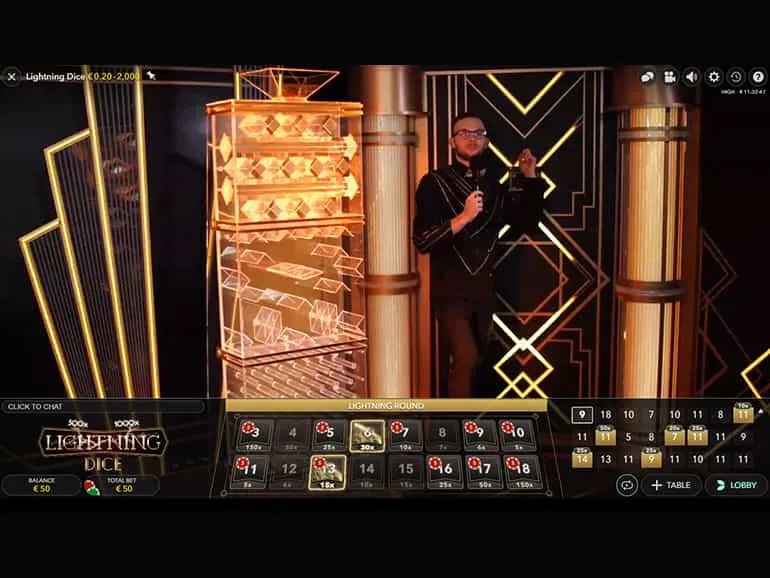
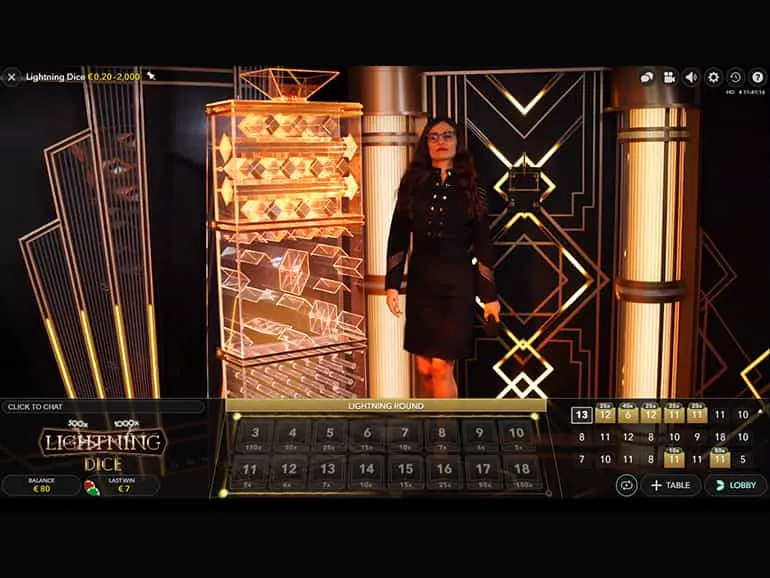
After betting time has expired, 'lightning strikes' to select two to four random 'Lightning bets', each of which is given a random multiplier. 'Lightning' can 'strike' numbered bet spots, as well as Low, High, Any Double and Any Triple.
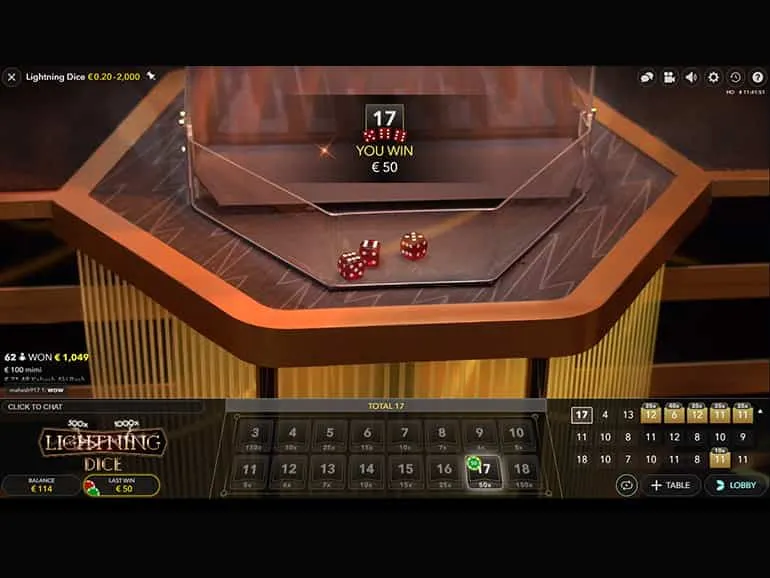
The game host then initiates the roll of the dice down the ‘Lightning Tower’ and once the dice have stopped tumbling and come to rest, the three face-up numbers on the dice become visible. You win if you have correctly predicted the total sum of all three dice and placed a bet on the corresponding betting spot. If this number is also among the ‘Lightning bets’, your payout is multiplied accordingly.
Bet Types
You can place different kinds of bets on the Lightning Dice table, and each type of bet has its own payout. Your bet is returned on top of your winnings.
In addition to numeric bets, there are these types of bets in Lightning Dice:
- Low / High — place your bet on a total of three dice being Low (3-9) or High (12-18). Wins pay 1:1. If the total of three dice is 10 or 11, this bet loses.
- Any Triple — place your bet on this box to cover all six different Triple bets at once. To win, all three dice must show the same number, and you get paid 24:1.
- Any Double — place your bet on this box to cover all six different Double bets at once. To win, two of the three dice must show the same number, and you get paid 1:1, but this bet loses to Any Triple.
Winning Numbers
The WINNING NUMBERS display shows the most recent winning three-dice totals, including the winning ‘Lightning bets’ with the applied multiplier.
Payouts
You can win up to 1000x, which includes your bet. The payout range depends on whether the bet you have placed on the bet spot of your choice has a multiplier applied on it. If there is no multiplier, then the regular payout is applied. Your bet is returned on top of your winnings.
BET
PAYOUT
RETURN TO PLAYER
Low/High
1 – 9:1
96.09%
Any Double
1 – 3:1
96.35%
Any Triple
24 – 249:1
96.57%
Total 3 or 18
149 – 999:1
96.21%
Total 4 or 17
49 – 499:1
96.03%
Total 5 or 16
24 – 249:1
96.03%
Total 6 or 15
14 – 99:1
96.03%
Total 7 or 14
9 – 99:1
96.03%
Total 8 or 13
6 – 49:1
96.16%
Total 9 or 12
5 – 49:1
96.12%
Total 10 or 11
4 – 49:1
96.19%
Please note that any malfunction voids the game round and all eventual payouts for the round.
Return to Player
The optimal theoretical return-to-player (RTP) percentage is 96.57%, based on 'Any Triple' bet.
RTP range is from 96.03 to 96.57%.
Place Bets
The BET LIMITS panel shows the minimum and maximum allowed bet limits at the table, which may change from time to time. Open the Bet Limits to check your current limits.
To participate in the game, you must have sufficient funds to cover your bets. You can see your current BALANCE on your screen.
In the Immersive view, the TIMER informs you of the duration of betting time. After it expires, the betting is closed, and no more bets are accepted.
In the classic view, the TRAFFIC LIGHTS tell you the current status in the game round by informing you when you can bet (GREEN light), when the betting time is nearly over (YELLOW light), and when betting time has expired (RED light).
The CHIP DISPLAY allows you to select the value of each chip you wish to bet. Only chips of denominations that can be covered by your current balance will be enabled.
Once you have selected a chip, place your bet by simply clicking/tapping the appropriate betting spot on the game table. Each time you click/tap the betting spot, the amount of your bet increases by the value of the selected chip or up to the maximum limit for the type of bet you have selected. Once you have bet the maximum limit, no additional funds will be accepted for that bet, and a message will appear above your bet to notify you that you have bet the maximum.
You can also click/tap the BET ON ALL NUMBERS button which allows you to place a bet on all numeric bet spots. The value of your selected chip will be placed on all numeric bet spots simultaneously.
The REPEAT button allows you to repeat all bets from the previous game round. This button is available only before the first chip is placed.
The DOUBLE (2x) button becomes available after you have placed any bet. Each click/tap doubles all your bets up to the maximum limit. Note that you must have a sufficient account balance to double ALL your placed bets.
The UNDO button removes the last bet you placed.
You can click/tap the UNDO button repeatedly to remove bets, one by one, in the reverse order of which they were placed. You can clear all your bets by holding the UNDO button.
The TOTAL BET indicator displays the total amount of all bets placed in the current round.
Autoplay
Once you have placed a bet, Autoplay allows you to repeat your selected bet or bets for a chosen number of game rounds.
To start Autoplay, place your bets on the betting grid as usual and then click/tap the Autoplay button.
The Autoplay panel will then open, and from here you simply select the number of game rounds you would like your bet to be repeated in. Then click/tap START to Autoplay.
Your selected number of Autoplay rounds will be displayed in an indicator on the Autoplay button. The number of remaining Autoplay rounds will be updated, once Autoplay is started.
Your total Autoplay bet amount can be calculated by multiplying the number of your selected Autoplay rounds with the value of your total bet. Your remaining Autoplay limit can be calculated by multiplying the number of remaining Autoplay rounds with the value of your total bet per one round.
Your automatic game rounds will continue until either your chosen number of Autoplay rounds is complete, or you choose to stop Autoplay, by simply clicking/tapping STOP.
Placing additional bets on the betting grid or doubling your bets while Autoplay is running will not stop Autoplay. A message will appear that will allow you to choose to continue Autoplay with your changed bets or to stop Autoplay.
Chat
You can chat with the game host/presenter and other players. Enter your message in the CHAT field. To post your message, press Enter or the arrow button within the field.
Players who misuse Chat by abusing the Game Presenter or other players or using inappropriate and/or offensive language will have their Chat privileges disabled.
Use the CHAT button to enlarge or, alternatively, to close the chat window.
You can resize and move the chat window anywhere on your screen.
Game Number
Each game round is identified by a unique GAME NUMBER.
This number reflects when the game round began in terms of GMT by hour: minute: second. Please use this game number for reference (or take a screenshot of the game number) if you wish to contact Customer Service regarding a particular round.
Sound
The SOUND button will mute/unmute all game sounds and voice from the game. Note that if you change tables, the sound will automatically unmute.
You can alter your sound settings by clicking/tapping the SETTINGS button and then selecting the SOUND tab.
Game History
The HISTORY button will launch a window showing all game rounds you have played and the results of those rounds.
You can review your past gaming activity by viewing your:
- ACCOUNT HISTORY — Shows your complete account history as a list of dates, games, bet amounts and payouts. The game round completed most recently appears at the top of the list.
- GAME HISTORY — Shows your history related to a particular game once you click/tap the game in the GAME column.
Settings
The SETTINGS button launches a menu of user-changeable settings.
Your chosen settings will be applied at once and will be stored to your profile. Stored settings will be launched automatically when you log in from any device.
You can alter your general and game settings.
GENERAL
You can hide/unhide other players’ chat messages.
VIDEO
Your video quality is auto-adjusted, but you can manually change your video quality by selecting the specific stream.
SOUND
You can mute/unmute your PRESENTER’S VOICE and GAME SOUND and adjust their relative volumes.
Deposit and Withdraw
The CASHIER button will open the cashier/banking window for deposits and withdrawals.
Responsible Gaming
The RESPONSIBLE GAMING button allows you to access the page outlining the Responsible Gaming policy. This page provides useful information and links regarding responsible online gaming behaviour and how to set limitations to your game sessions.
Error Handling
If there is an error in the game, system or game procedure, the game round will be temporarily paused while the game host/presenter notifies the service manager. You and other players will be notified via Chat, or by an on-screen pop-up message, that the issue is being investigated. If the manager can immediately resolve the error, the game round will continue as normal. If immediate resolution is not possible, the game round will be cancelled, and initial bets will be refunded to all players who participated in the game round.
Disconnection Policy
If you are disconnected from a game round, any placed bets remain valid and are settled in your absence. Upon reconnecting, you can view bet outcomes in the History window.
More Games
The LOBBY button can be selected at any time from any game.
It allows you to easily change the game table or select any other live game. You will not be removed from this game until you have actually selected the new game/table you wish to join. You can use the LOBBY to browse other games while still playing in your current game.
Shortcut Keys
Shortcut keys can be used to quickly perform useful game functions.
KEY
FUNCTION
Number Keys from 1 onwards
Select the desired chip from the chip display. Key “1” corresponds to the leftmost chip with the lowest value. Key “2” selects the next highest value chip, and so on.
SPACEBAR
Repeat your most recent bet. Press SPACEBAR a second time to double your bet.
CTRL+Z (CMD+Z), DELETE, BACKSPACE
Undo your last bet. Hold for 3 seconds to remove all your bets.
ESC
When applicable, the ESC key can be used to:
- Exit full-screen mode
- Close an open pop-up window (History, Help, Settings, etc.)
Terms and Conditions
This game has a theoretical ranged return to player (RTP) of 96.030% - 96.570%.
For any payout which gives out fractional payments, these will be rounded down to 2 decimal places.
System malfunction voids all pays and all plays.
Due to high production values of this game, lower-tier hardware may run into compatibility issues and, in certain instances, you will not be able to play.
In the event of a game in real play being interrupted, (i.e. started but not completed due to connectivity issues or accidentally closing the browser, etc.), depending on the previous state of the game, it will either resume from the point of the last play or display the outcome of the game already in play.
Any winnings will be correctly credited to the player account and will be exact according to the result prior to the game being interrupted.
All results are predetermined.